TV · Nyxo
Nyxo on LG TV (webOS)
Install the player, activate the device, and add the playlist you already have. Nyxo is the app; you bring your own content.
Store listing for this platform is not published yet.
What you need
An LG webOS smart TV (recent generation) and your own playlist.
How to install
- Install the app from the TV app store.
- Open it and read the device code.
- Activate, then add your own playlist.
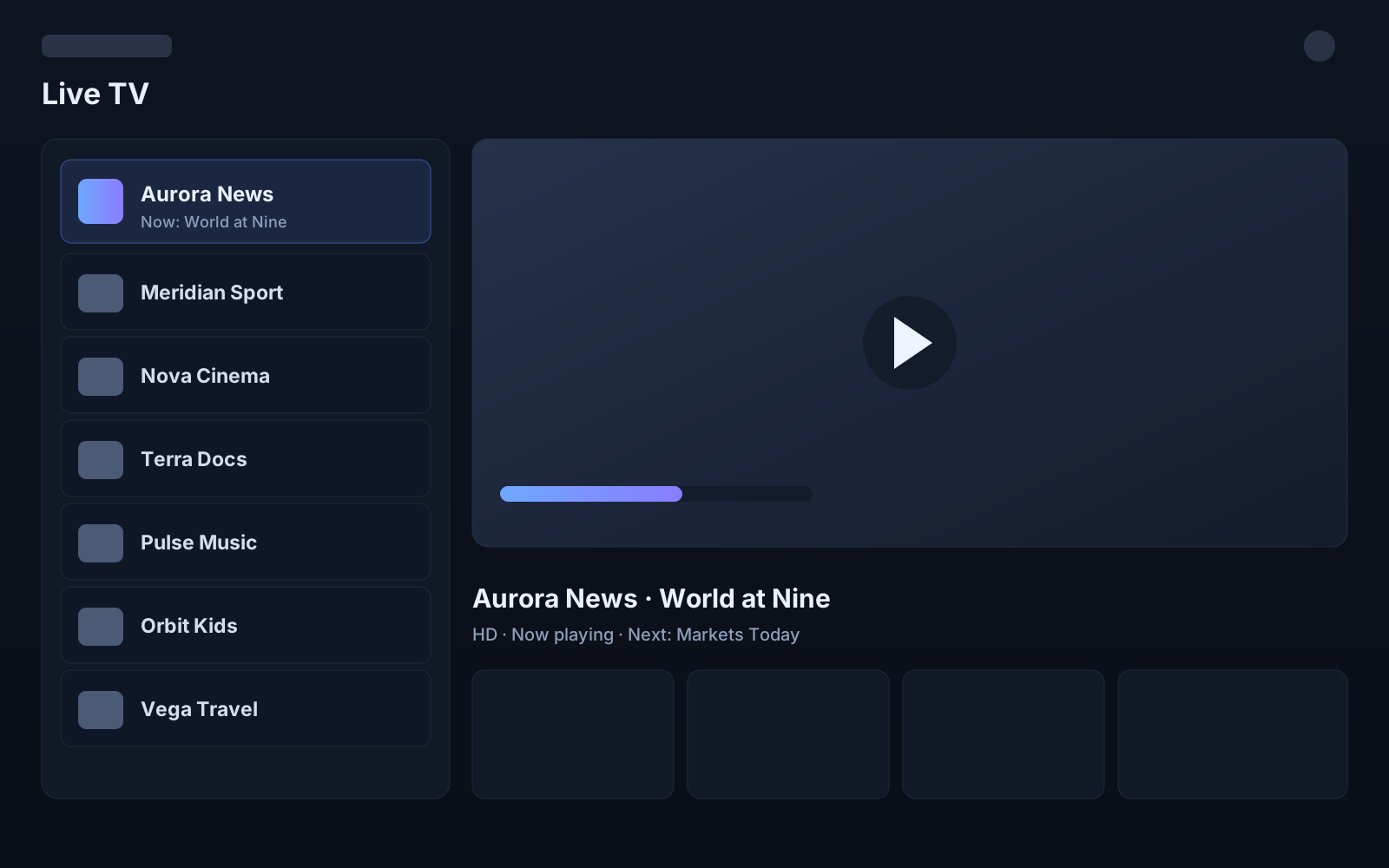
Screenshot is representative interface, not live content. Nyxo does not provide channels, playlists or subscriptions.